

My FezCard Viewer
My FezCard Viewer
Speaker 1:
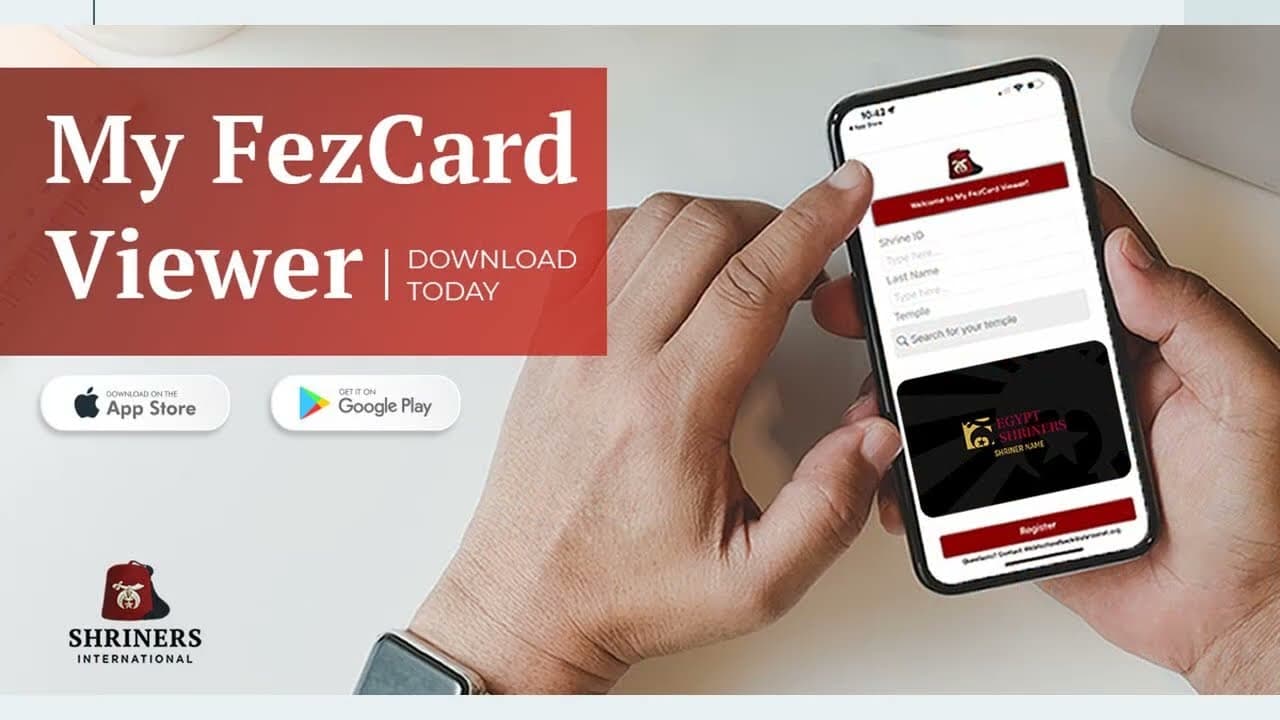
This is the new and updated training session on the MyFezCard viewer provided by Shriners International's fraternal information services department. In this recording, you'll receive instructions on how to download and access the MyFEZCard viewer, which provides a digital membership card and allows you to prove your good standing as a Shriner and also provide another source for the QR code necessary to scan in at various Shrine functions. First, you'll need to go to the Apple Store or the Google Play Store to download and install the app. You'll search for my FEZ card viewer and where prompted, click to download and install the app on your mobile device.
Once the app is downloaded, installed, and opened, you'll need three separate identifiers to locate your Shrine record and activate your digital card. First, you'll need your Shrine ID. This may be different from your member number assigned to you by your temple. A Shrine ID incorporates any Shrine membership that you may currently or previously hold under one unique identifier. If you don't utilize the Shrine ID in the registration process, your registration will fail. Second, you'll need your last name. And last, you'll need to begin to enter your temple by name and the temples matching the criteria will display. If prompted, you may need to select the temple from the resulting list and then click register. Successful registration will load your Fed's card. Let's watch a brief demonstration on the registration process. First on the iPhone.
And second, on an Android. As you can see, it's a relatively simple process so long as you have the three identifying reference points previously mentioned for successful registration. But as with any mobile app, you may encounter some issues. In the Fraternal Information Services Department, we're tasked with providing technical support as needed when members of our nobility are faced with unexpected issues. If you don't have the most up-to-date version of the app, it is possible that you may experience some issues. The instructional video made in 2025 is available on a separate link adjacent to this and may be able to assist you to resolve these issues. Our best recommendation is to ensure that you have the most updated app and any issue should not be resolved. Available also is a PDF tutorial that fraternal information service is designed to assist you with navigating the MyFedS CardViewer application.
Thank you for your time and attention. I hope you've enjoyed this recording and that its content will assist you if you experience issues while trying to access the MyFedScard viewer on your mobile device. Keep in mind also that the utilization of the app relies on a steady data or wifi connection. If you have an important meeting coming up and you want to make doubly sure that you have access to the card or the QR code, please register and activate your card in advance of this meeting so that you can take a screenshot of whatever it is you need so that in case of an outage or another difficulty with connection, you'll still be able to benefit from using the digital card from the app. If we can provide any additional technical assistance, please submit a support ticket either on Webbez or by emailing webbesfeedback@shrinenet.org or by calling our toll-free hotline at 844-674-6266.
Thank you.


